
Stop Clicking. Start Flying Through Your Work.
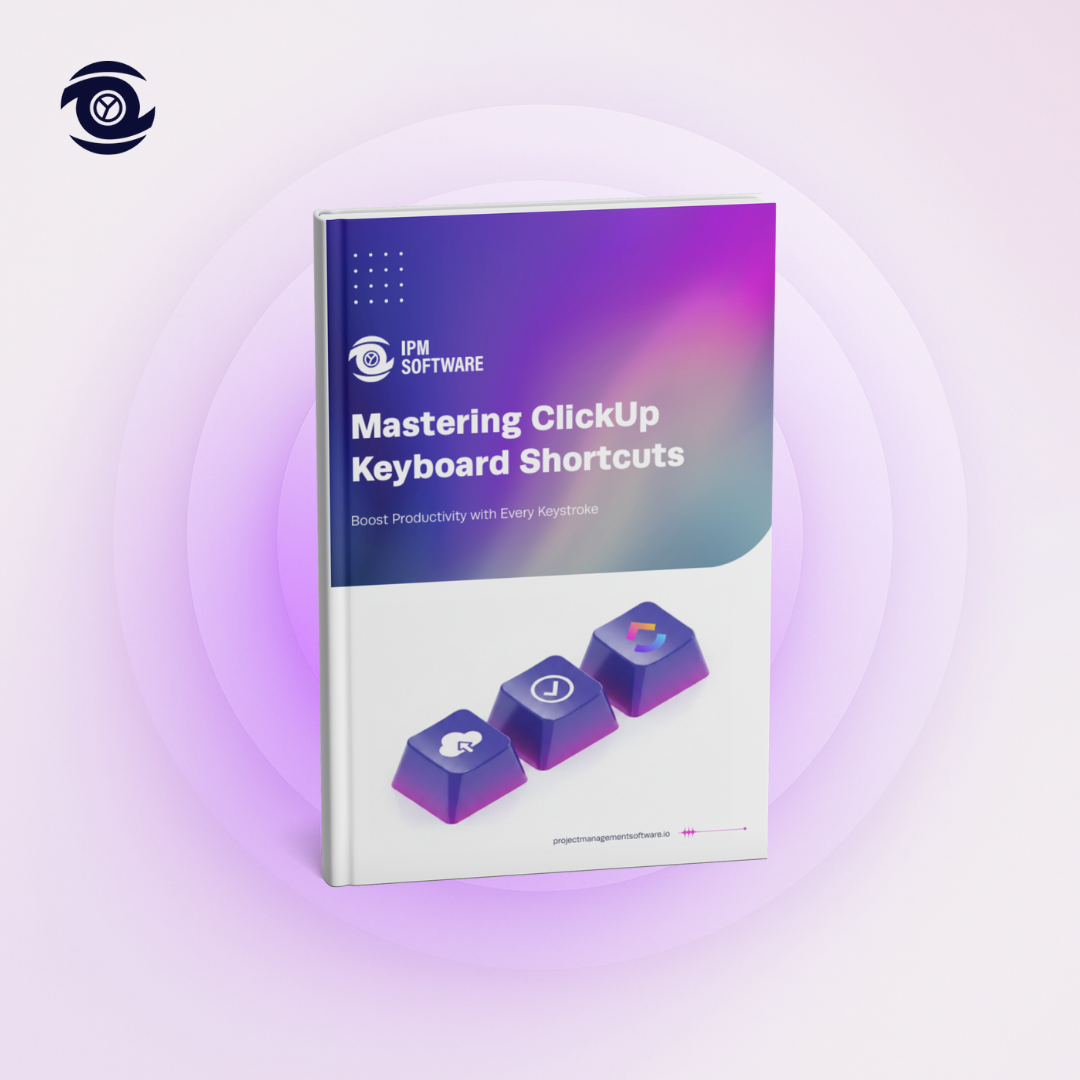
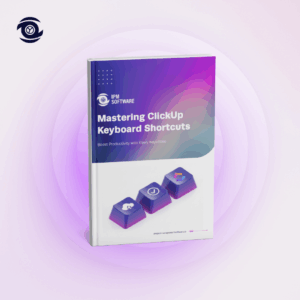
In today’s fast-paced workplace, every second counts. Yet most ClickUp users waste countless hours clicking through menus, hunting for buttons, and breaking their workflow rhythm. But what if there was a faster way? Mastering ClickUp Keyboard Shortcuts: Boost Productivity with Every Keystroke is your complete guide to transforming from a casual clicker into a ClickUp power user.
Why Keyboard Shortcuts Change Everything
The average ClickUp user clicks their mouse over 2,000 times per day. That’s not just wasted motion; it’s wasted opportunity. Every click pulls you out of flow state, breaks your concentration, and steals precious seconds that add up to hours each week.
What Makes This Guide Different?
Your Hands Never Leave the Keyboard is no longer a dream; it’s reality. This comprehensive ebook consolidates every essential ClickUp keyboard shortcut into one searchable, printable reference guide that transforms how you navigate, create, edit, and complete tasks.
Revolutionary Time-Saving Features Covered
1. Lightning-Fast Navigation
Master the art of movement with shortcuts that let you jump between Spaces (g+s), Folders (g+f), Lists (g+l), and Views (v+l, v+b, v+c) in milliseconds. The new navigation system keeps you in flow and focused on what matters.
2. Instant Task Management
Say goodbye to mouse hunting. Create new tasks with a single keystroke (t), navigate your task list like reading email (j/k), and mark items complete without ever reaching for your mouse (x). Your workflow becomes as fast as your thoughts.
3. Powerful Editing Arsenal
The comprehensive formatting shortcuts bring professional text editing to your fingertips. Bold, italicize, create lists, insert links (Ctrl+K / Cmd+K), and format content faster than you ever thought possible.
4. Smart Task Organization
Revolutionary shortcuts for assigning tasks (a), setting due dates (d), changing priorities (Shift+↑/↓), and adding tags (#) mean you can organize an entire project without your hands ever leaving the keyboard.
5. Time-Tracking Made Effortless
Track time with a single keystroke (t to start/stop timer). No more breaking focus to find the timer button. Log time manually (Ctrl+t / Cmd+t) and keep your productivity metrics accurate without slowing down.
6. Advanced Workflow Combinations
Learn to chain shortcuts together for workflows that feel like magic. Navigate + Edit + Assign with seamless keypress sequences. Update Status + Priority in seconds. These advanced combinations separate power users from everyone else.
7. Complete Windows & Mac Coverage
Every shortcut documented for both operating systems. Side-by-side comparison tables ensure you get the exact commands you need, whether you’re on Windows or Mac.
Who This Guide Is For
Whether you’re a ClickUp beginner ready to level up or a seasoned user looking to maximize efficiency, this comprehensive shortcut guide meets you where you are:
- Project Managers juggling multiple tasks and tight deadlines
- Team Leaders who need to process information quickly
- Developers and Designers who live in keyboard-first workflows
- Productivity Enthusiasts obsessed with optimizing every second
- Remote Teams maximizing efficiency across time zones
- Anyone tired of clicking and ready to work at the speed of thought
What You’ll Master
Foundation & Navigation
- Navigate between Spaces, Folders, and Lists instantly
- Switch Views (List, Board, Calendar, Gantt) without clicking
- Jump to Search and Home with two-key commands
- Master task navigation (next, previous, open, close)
Task Management Excellence
- Create and duplicate tasks in milliseconds
- Edit task names and descriptions without the mouse
- Assign tasks, set due dates, and change priorities instantly
- Change task status and mark items complete effortlessly
Formatting & Communication
- Format text with standard shortcuts (Bold, Italic, Underline)
- Create bullet lists, numbered lists, and quotes
- Add comments and mention users/tasks instantly
- Insert attachments and hyperlinks at keyboard speed
Time & Productivity Mastery
- Start and stop time tracking without breaking focus
- Set due dates and reminders with quick shortcuts
- Manage notifications efficiently
- Use lesser-known shortcuts for maximum efficiency
Advanced Techniques
- Combine shortcuts for powerful workflow sequences
- Customize shortcuts where possible for your workflow
- Build muscle memory with strategic practice methods
- Access the full cheat sheet for quick reference
The Transformation Awaits
Research shows that keyboard shortcuts can reduce task completion time by 50-80% for frequent actions. Users who master shortcuts report completing tasks in half the time with significantly less frustration.
But beyond the numbers, the real transformation happens when:
- Your workflow becomes as fast as your thoughts
- You stop breaking focus to hunt for buttons
- Task management feels effortless instead of tedious
- Your team notices how quickly you process work
- You reclaim hours every single week
Get Started Today
Don’t let another day slip by clicking through menus and wasting precious time. Keyboard shortcuts represent the fastest path to ClickUp mastery; and with the right guide, you can transform your efficiency in just days.
Transform how you navigate, create, and manage tasks. Unlock the speed of ClickUp keyboard shortcuts and elevate your productivity today.